

 Misturat Alausa
Prembly is trusted by businesses worldwide to verify identities, prevent fraud, and simplify the compliance process. As a result, over 100 million verifications have been completed through Prembly’s trust infrastructure, helping businesses secure onboarding experiences, reduce risk, and make faster trust decisions.
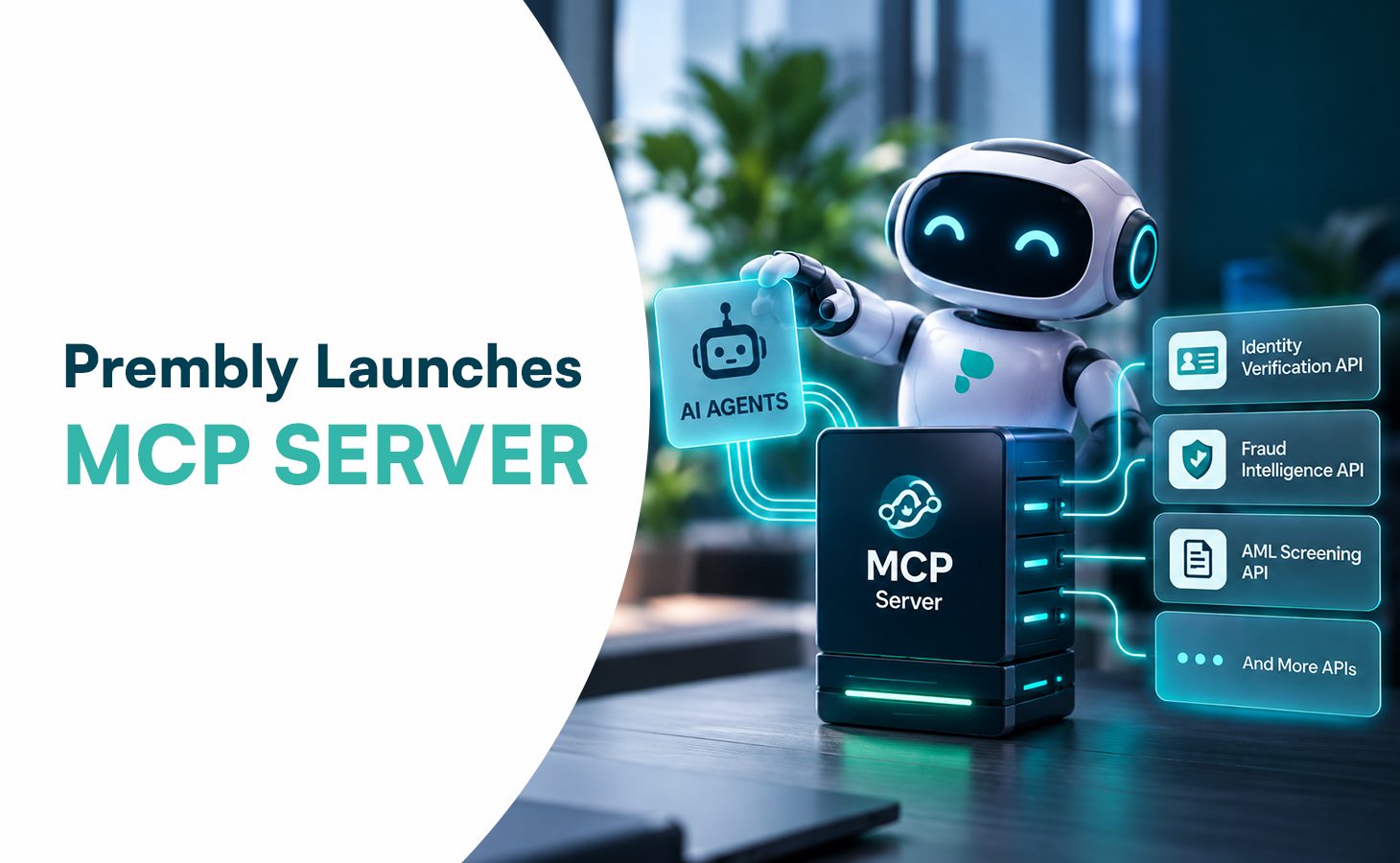
That is why we are excited to announce that Prembly is taking another step toward making trust and compliance more accessible by launching the Prembly MCP Server, a new capability that brings Prembly’s identity verification and compliance tools directly into AI assistants like Claude, ChatGPT, and other agentic AI platforms.
This new integration enables businesses to access Prembly’s trust infrastructure directly through their AI assistant, making it easier to conduct KYC/KYB checks, perform AML screening, and account management functions using natural conversational language with minimal touchpoints.
Why We Built the Prembly MCP Server
AI assistants are becoming an essential part of daily uses and business operations. We built the Prembly MCP server to bridge the gap between AI assistants and Prembly’s powerful compliance engine. It solves a major workflow challenge for businesses, so instead of developers writing custom API integrations or compliance officers manually navigating the Prembly dashboard to run checks, users can simply use natural language with AI to run identity checks instantly.
This is valuable because if you want to use Prembly’s tools to verify a customer’s identity or check if a business is legitimate, a software developer has to spend days or weeks writing custom code to integrate with our 118+ different APIs. With the Prembly MCP Server, that barrier is gone. You can just talk to your AI assistant in plain grammar, and it will do the work for you.
- You don’t need to read complex API documentation.
- You don’t need to write code to format requests.
- You can automate your daily compliance and identity checks by chatting.
What You Can Do with the Prembly MCP Server
The Prembly connector brings key trust and compliance capabilities directly into your AI workflow. With the integration, users can perform:
- Identity & Compliance Automation: Access Prembly’s Pan-African KYC endpoints (NIN, BVN, Passports) and KYB endpoints (RC numbers, Tax Certificates) dynamically.
- AML (Anti-Money Laundering) & PEP Screening: Screen individuals and businesses against global watchlists, sanction screenings and Politically Exposed Persons (PEP) databases.
- Fraud Intelligence: Check IP addresses, phone numbers, or emails for fraud history and reputation directly from your AI assistant.
- Account Management: This includes environment and wallet management. Switch between sandbox and production environments, check balances, generate payment links, and monitor API usage.
Built on the Model Context Protocol (MCP)
The integration is built on the Model Context Protocol (MCP). The server acts as a middleman, connecting to an AI assistant on one side using MCP, and on the other side, it makes standard REST API calls to Prembly’s Core APIs using the user’s API Key.
Secure Authentication Credentials and API keys are managed securely through explicit authentication flows and system-level instructions, ensuring data privacy and compliance standards are maintained.
When a user submits a request, the AI assistant communicates with the Prembly MCP Server, which securely processes the request and returns the appropriate response from Prembly’s APIs. This means the AI can retrieve any JSON response from Prembly’s APIs, allowing the AI assistant to obtain full customer verification records, compliance results (whether they pass or fail), detailed risk scores, information about watchlist matches, and wallet balances.
Getting Started
You can get started with the MCP Server in just a few simple steps as seen below:
- Ensure you have an MCP-compatible client (like Claude Desktop) and a Prembly Account.
- Get your Prembly API key from the Prembly dashboard.
- Edit AI client’s configuration file
- Add the prembly MCP Server as a tool provider, specify the server path, and set PREMBLY_API_KEY as an environment variable.
- Restart. It will automatically recognize and use Prembly’s available tools.
Once connected, users can begin interacting with Prembly and access its solutions directly from their AI assistant.
Built with Security and Privacy in Mind
Everything Prembly has built is based on trust, and the integration is no exception. The MCP Server is built with strict adherence to data privacy and credential security. Therefore, organizations can choose deployment options that align with their security policies, including enterprise AI solutions with Zero Data Retention or locally hosted AI models for greater control over sensitive data.
- No Static Keys: API keys are not stored in easily accessible .env files.
- Context Isolation: The AI stores credentials securely in its active context memory. It is strictly instructed never to expose raw API keys to the user.
- Instant Revocation: You can revoke the AI’s access at any time by simply typing: “Log me out of Prembly.”
Availability
The Prembly MCP Server is available worldwide, with the underlying API tools functioning globally. For comprehensive details, refer to the Prembly MCP Server Documentation.