

 Misturat Alausa
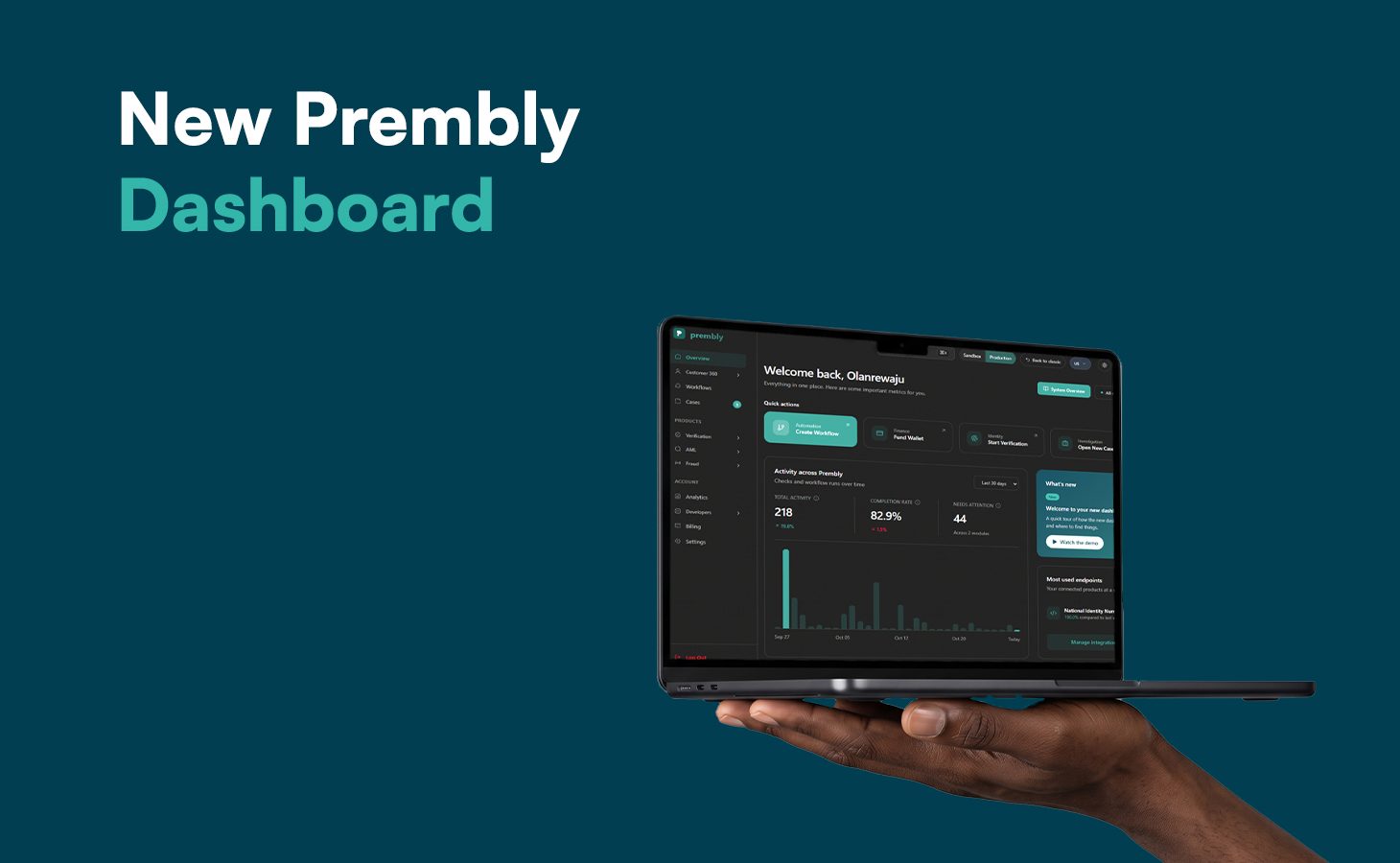
The new Prembly dashboard provides a more connected experience, bringing essential tools and information into workspaces organized around what your business needs to accomplish.
It makes it easier to navigate Prembly’s solutions, manage daily operations, and access relevant customer information without having to work through disconnected product sections.
This article walks you through why it was redesigned, what’s changed, and how to get started.
Why We Redesigned the Prembly Dashboard
The Prembly Dashboard was previously organized around individual products and endpoints. While customers could access the capabilities they needed, navigating between related activities meant working across separate product sections.
As a result, the dashboard was redesigned to take a different approach.
Instead of focusing primarily on individual products, the new navigation is organized around the work your team needs to complete, whether that’s onboarding customers, verifying identities, detecting fraud, managing cases, or monitoring compliance.
A More Personalized Dashboard Overview
The dashboard introduces a customizable Overview, giving you a more personalized starting point for your daily activities.
Rather than navigating through multiple product sections to understand what’s happening across your operations, the Overview serves as an operational home where you can access information that matters to your team.
This updated structure enables your team to manage verification activities with greater clarity.
What’s New in the Prembly Dashboard?
Beyond the new navigation, we’ve reorganized key capabilities to make it easier to find what you need and manage related activities in one place.
Here’s what you’ll find in the updated dashboard:
- Customer 360: We moved Customer 360 to the main navigation because it brings together information from across the Prembly platform, including verifications, screenings, fraud signals, onboarding activities, and cases, into one customer profile.
- Onboarding and Workflows: SDK Setup, flows, sessions, drop-offs, and automated decisions were moved to this section to help customers manage their onboarding journeys in one place.
- Module-Level History and Reporting: Each module now has its own history and reports, keeping relevant information close to where the activity takes place and making it easier to manage as Prembly adds more capabilities.
- Cases: We gave it a more prominent position in the dashboard because it helps customers manage issues that require action, not just view information. My Queue, All Cases, workflows, and escalations now come together in one workspace, making it easier to track and manage cases that need human attention.
- Compliance: We brought the Compliance Lens, obligations, filings, signals, and calendar together in one section to help customers manage their organisation’s ongoing compliance requirements.
- Analytics: We positioned it as a central place to identify patterns across the platform, generate reports, answer business questions, and schedule recurring insights.
- Developers and Settings: We grouped integration tools, including webhook URLs and logs, under Developers to make them easier to find, while keeping Settings focused on organization-level configuration.
What’s Next: Role-Based Activation and Global Utilities
Next, we’re working towards making the dashboard more relevant to each user by highlighting the workspace they need most. Notifications and system status will remain easy to access without cluttering the main navigation.
Getting Started With the New Prembly Dashboard
We’re excited for you to experience the redesigned dashboard and see how the updated navigation and connected workspaces support your daily operations.
For a closer look at the changes, we’ve prepared detailed documentation to help you get familiar with the new layout and its features. Read the Dashboard Documentation
Join our Slack community to connect with the Prembly team and speak with our engineers about the new dashboard and any questions you may have.